game:
width="584"
height="300">acwww.bbc.co.uk/schools/ks2bitesize/science/flash/friction.swf" />
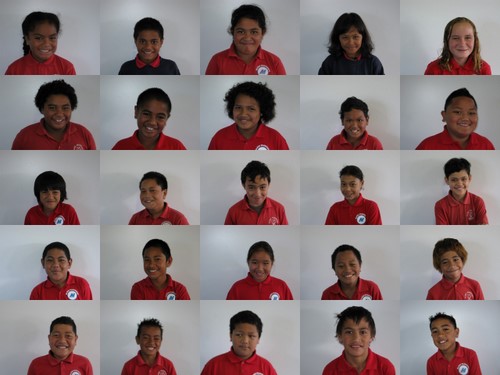
Room 11 Mugshots!
Monday, March 1, 2010

Sunday, February 28, 2010
how to paste a game into your glog
When you play a game,such as the ones found here:
http://www.bbc.co.uk/schools/ks2bitesize/science/
You may find a text box beneath it such as this: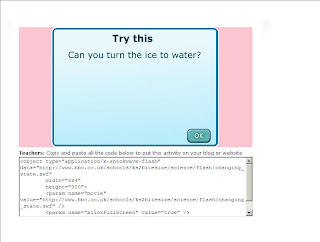
1. Copy all of the text by highlighting and pressing 'ctrl' + 'c' on your keyboard at the same time.
2. Go back to your blog and press 'ctrl' + 'v' on your keyboard at the same time.
The code should then appear.
When you publish, the game will appear instead of the code.
http://www.bbc.co.uk/schools/ks2bitesize/science/
You may find a text box beneath it such as this:
1. Copy all of the text by highlighting and pressing 'ctrl' + 'c' on your keyboard at the same time.
2. Go back to your blog and press 'ctrl' + 'v' on your keyboard at the same time.
The code should then appear.
When you publish, the game will appear instead of the code.
Subscribe to:
Posts (Atom)